 03 April 2026
 Share
Share
1
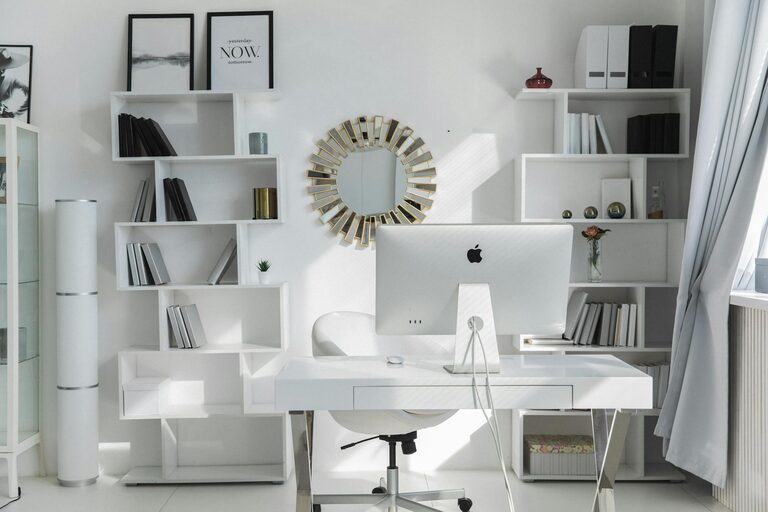
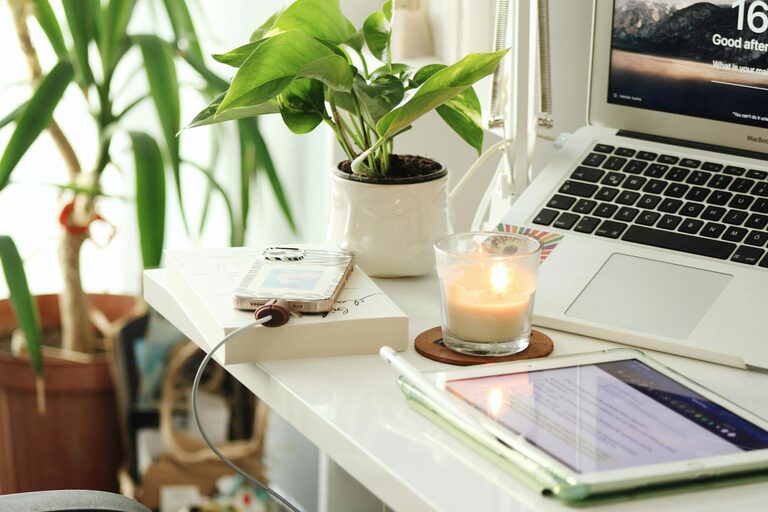
Creating a productive home office environment is key to staying focused and efficient while working from home. A well-designed workspace can improve your mood, reduce distractions, and help you maintain a healthy work-life balance. Whether you are new to remote work or want to enhance your current setup, these tips will guide you in creating an effective home office.
Selecting a dedicated space for your home office is the first step. Ideally, this should be a quiet area with minimal foot traffic or noise. A separate room works best, but if space is limited, use a corner or a designated spot that can be organized and maintained easily.
Tips for choosing the location:
– Avoid high-traffic areas such as the kitchen or living room.
– Consider natural light sources to reduce eye strain.
– Ensure there are enough power outlets for your equipment.
Comfort plays an important role in productivity. Sitting in an uncomfortable chair or using a desk that is too high can cause fatigue and long-term health issues.
Key furniture to consider:
– Chair: Choose an ergonomic office chair with adjustable height and lumbar support.
– Desk: Use a desk that fits your work style with enough surface area to hold your laptop, monitor, and other essentials.
– Accessories: A footrest, monitor stand, or keyboard tray can help maintain good posture and reduce strain.
Proper lighting improves focus and reduces eye strain. Whenever possible, position your desk near a window for ample natural light.
Lighting tips:
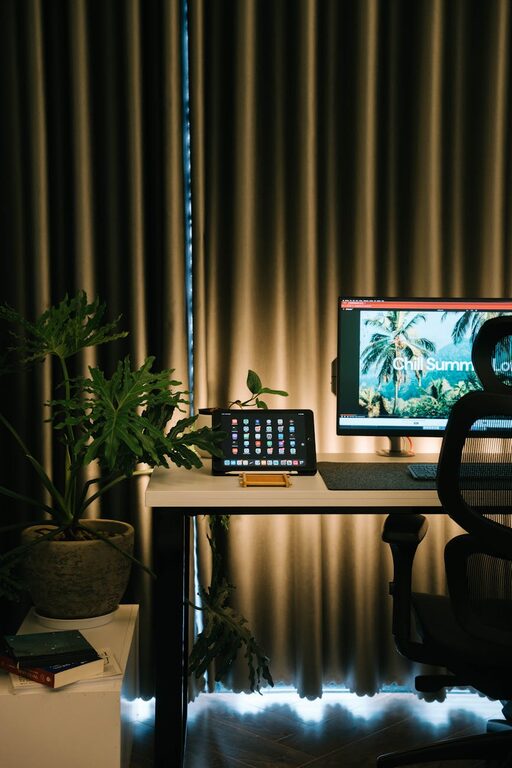
– Use soft, indirect lighting to avoid glare on your screen.
– Add a desk lamp with adjustable brightness for evening work.
– Use adjustable blinds or curtains to control sunlight intensity.
A cluttered workspace can lead to distraction and stress. Keep only the items you need daily on your desk to create a clean, inviting work environment.
Organizing tips:
– Use drawers, shelves, or storage boxes to keep supplies out of sight.
– Implement digital organization to reduce paper clutter.
– Regularly declutter your workspace to maintain order.
To stay productive, it’s important to reduce interruptions and distractions.
How to minimize distractions:
– Inform household members of your work hours.
– Use noise-canceling headphones or play background music if it helps concentration.
– Set boundaries for social media and personal phone use during work time.
Establishing a regular work routine helps signal to your brain when it’s time to focus and when to rest.
Routine-building tips:
– Set consistent start and finish times for your workday.
– Schedule regular breaks to stretch or walk around.
– Define clear boundaries between your work area and relaxation spaces.
Adding personal touches to your office can create a motivating and pleasant work environment.
Ideas for personalization:
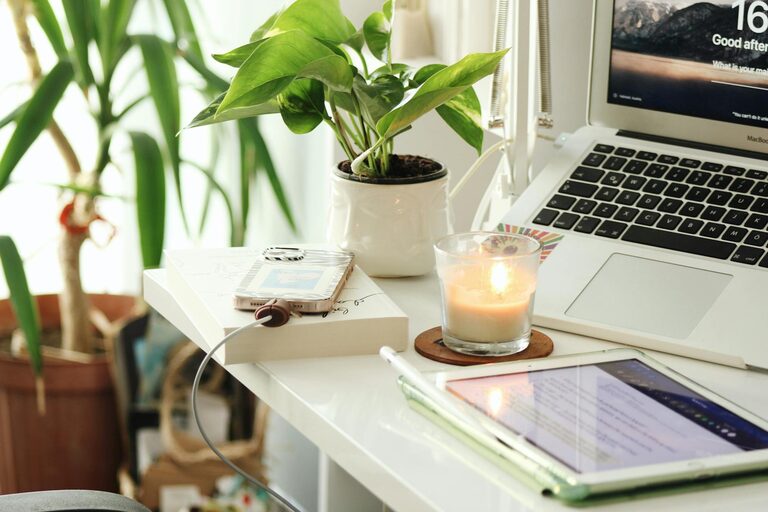
– Decorate with plants to improve air quality and add greenery.
– Hang art or photos that inspire and uplift your mood.
– Use colors that promote focus, such as blues or greens.
Technology is essential for remote work, but it should support productivity rather than cause distractions.
Technology tips:
– Invest in a reliable internet connection and quality hardware.
– Organize your digital files and use productivity apps.
– Keep software updated and avoid installing unnecessary apps.
Regular maintenance will keep your home office functional and appealing.
Maintenance tips:
– Clean your desk and equipment regularly.
– Check cables and connections to avoid technical issues.
– Refresh your space periodically to avoid stagnation.
—
Creating a productive home office environment involves attention to comfort, organization, lighting, and boundaries. By following these tips, you can build a workspace that suits your needs and helps you stay focused, motivated, and balanced while working from home.